Install PySpark locally
Install PySpark on Windows, WSL or Ubuntu, connect it to VS Code, then verify a real local session.
Practical PySpark guides and runnable examples.
PYSPARK FOR PYTHON DEVELOPERS
Start with the free guide to understand Spark, DataFrames and lazy execution. When you are ready to build something, the Starter Kit gives you the code, data, tests and exercises.
No subscription. The kit code is tested with PySpark 4.2.0.
reading  sales.csv
joining  customers.csv
writing  output/enriched_sales

transaction_id  customer  gross
101             Alice     275.55
102             Bob       126.00
103             Charlie   475.82
104             David      95.72

4 valid transactions
START HERE
Understand the mental model before worrying about cluster tuning.
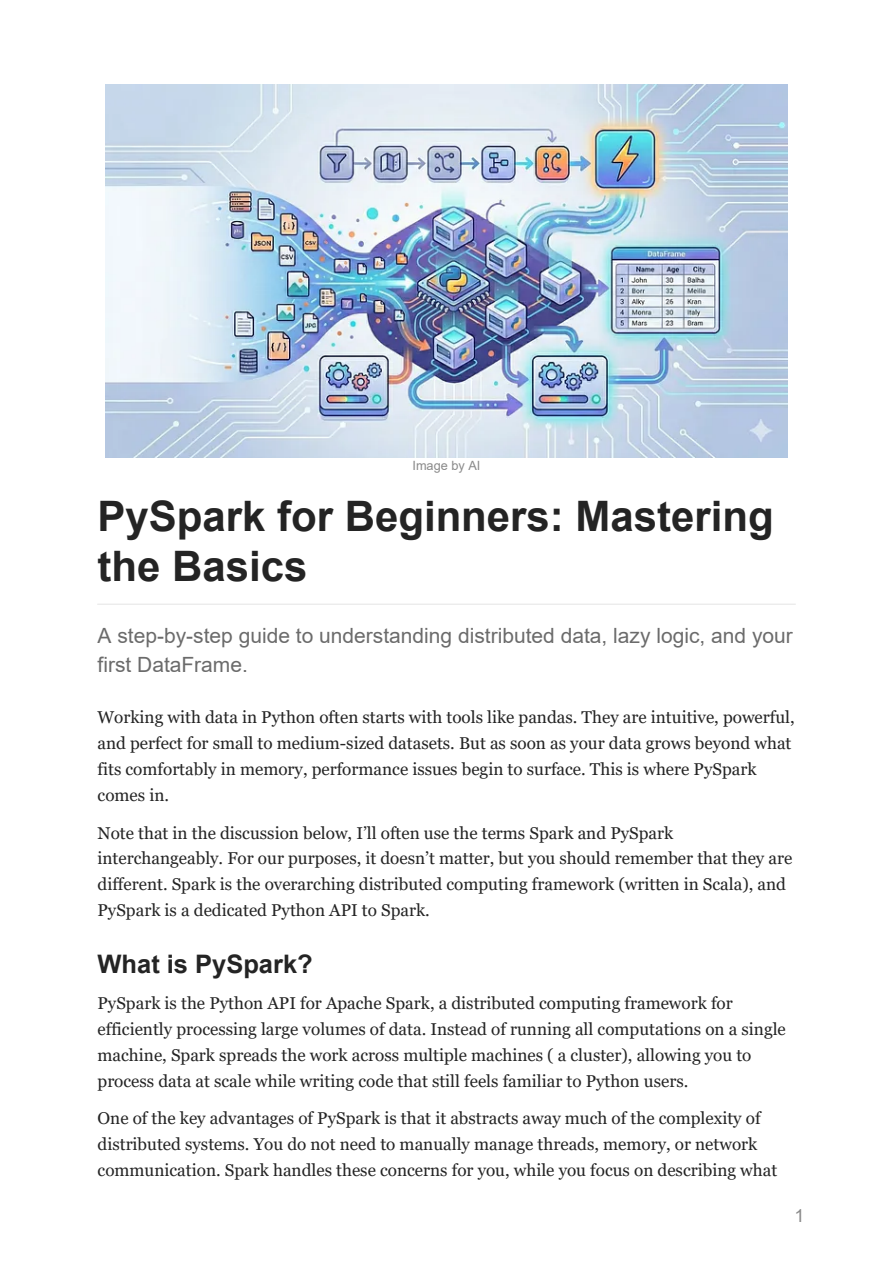
The guide explains what Spark does, how a local cluster works, why transformations are lazy, and how to create and process your first DataFrame.
Free PDF. No payment details required. Your email is not shared or sold.
WHEN YOU WANT TO BUILD IT
A small working project that reads messy CSV input, applies explicit schemas, removes incomplete and duplicate sales, joins customer data, calculates totals and writes Parquet.
pyspark-starter-kit/
|-- guides/
|-- data/
|-- notebooks/
|-- src/pipeline.py
|-- tests/
|-- exercises/
|-- solutions/
`-- cheatsheets/
FREE TUTORIALS
Install PySpark on Windows, WSL or Ubuntu, connect it to VS Code, then verify a real local session.
Define a schema and make malformed input fail where you can diagnose it.
Build transformations, trigger an action and inspect the execution plan.
Write typed columnar output and read it back without inferring the schema again.
Use dropDuplicates() with a business key and check which records remain.
Apply dropna() to required columns without discarding useful optional data.
Join sales to customer data while retaining transactions without a lookup match.
Create one Spark session, collect a small result and assert the rows that matter.
PAID TUTORIALS
Each guide shows its length and exactly what it teaches.
11 pages. Build a GitHub Actions workflow for a Python project and run Pylint whenever code is pushed.
View guide15 pages. Add automated pytest checks to the pipeline, then deploy the tested output to an AWS S3 bucket.
View guide8 pages. Use grouping sets, rollup and cube to produce subtotals and multi-level reporting results in SQL.
View guide15 pages. See how the Agent Toolkit can plan, reason about and automate AWS-focused development work.
View guide10 pages. Publish a local app with GitHub Pages, here.now or Hugging Face Spaces and compare when each route fits.
View guide6 pages. Write structured and JSON-style instructions for more precise edits in Nano Banana Pro.
View guide